
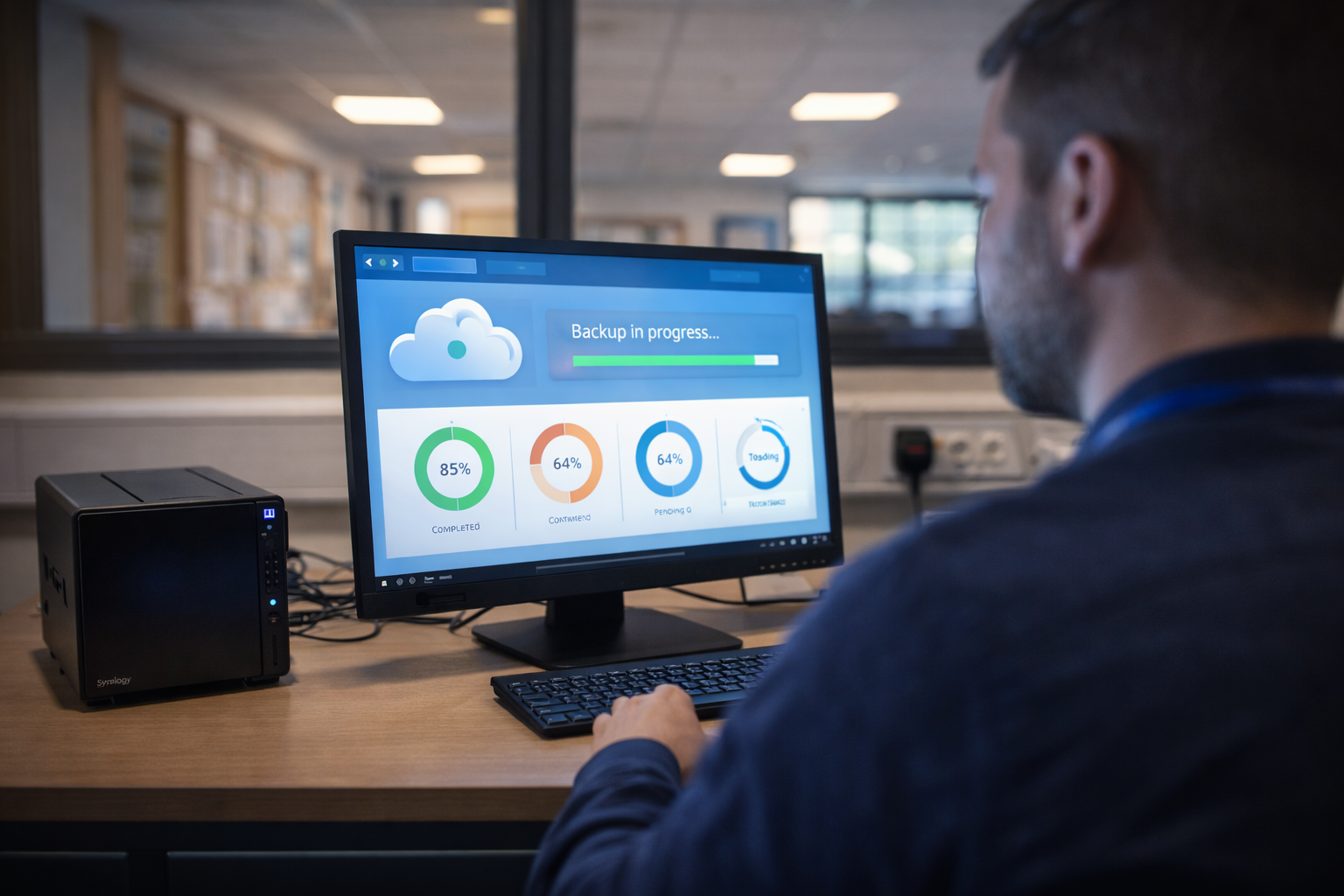
Cloud Infrastructure for Schools
Moving to the cloud is no longer a question of if — it is a question of when and how. SchoolCare helps schools navigate the transition from on-premises servers to hybrid or fully cloud-based infrastructure, with expert consultancy and a structured Network Development Plan that ensures every decision is informed, affordable, and aligned with your school's long-term goals.
Understanding Your Infrastructure Options
Every school’s ICT infrastructure sits somewhere on a spectrum — from traditional on-premises servers through hybrid configurations to a fully cloud-based environment. There is no single correct answer; the right approach depends on your school’s current estate, budget cycle, technical capacity, and educational priorities. Importantly, understanding the strengths and limitations of each model is the essential first step towards making informed decisions about your school’s technology future.
Many schools still operate with ageing on-premises servers that were installed years ago and have never been formally reviewed. Others have adopted cloud services piecemeal — using Microsoft 365 for email but retaining local file servers, or running MIS systems on-premises whilst storing documents in the cloud. This ad-hoc approach creates complexity, increases risk, and often costs more than a planned strategy would. Fortunately, SchoolCare’s consultancy service helps you understand where you are today and chart a clear path to where you need to be.
Traditional On-Premises Servers
On-premises infrastructure means your school owns and operates physical servers housed on-site — typically in a dedicated server room or comms cabinet. These servers handle file storage, user authentication (Active Directory), print management, application hosting, and backup. For many years this was the only option available to schools, and some schools still rely heavily on this model.
Advantages
Specifically, on-premises servers give you direct physical control over your data and infrastructure. Furthermore, there is no dependency on internet connectivity for core services — file access, printing, and authentication continue to work even during a broadband outage. Some specialist legacy applications require a local server environment, and certain schools prefer the perceived control of keeping data physically on-site. For schools with recently purchased server hardware and existing expertise, there may be no immediate pressure to migrate.
Challenges
On-premises servers require significant capital expenditure — typically £5,000 to £15,000 or more for a school server, plus UPS, rack, and environmental controls. They have a finite lifespan of around five years before performance degrades and warranty expires. Additionally, they require ongoing maintenance, patching, and monitoring — either from in-house staff or an external IT provider. Physical risks include hardware failure, theft, fire, and flood, and without a robust offsite backup strategy, data loss can be catastrophic. Server rooms also consume electricity and generate heat, adding to running costs. Perhaps most critically, on-premises servers do not natively support the flexible, anywhere-access model that modern education increasingly demands.
Hybrid Cloud Infrastructure
A hybrid approach combines on-premises infrastructure with cloud services — retaining local servers for specific workloads whilst migrating others to the cloud. This is the most common model for schools currently in transition. It offers a practical, phased pathway, avoiding the disruption and cost of a single large-scale migration.
Advantages
Hybrid infrastructure lets schools migrate at their own pace. Email and collaboration can move to Microsoft 365 first, for example, whilst file storage or MIS stays on a local server until the next hardware refresh. It preserves your existing investment in on-premises hardware whilst progressively reducing your dependency on it. A hybrid model also provides resilience: if your internet connection goes down, local servers can continue to serve critical functions. Furthermore, schools with legacy applications that cannot yet run in the cloud benefit from this approach, as it avoids forcing premature software changes alongside infrastructure migration.
Challenges
However, hybrid environments are inherently more complex to manage. Indeed, your IT team or provider must maintain expertise across both on-premises and cloud platforms simultaneously. Moreover, identity management becomes more involved — synchronising Active Directory with Azure AD (Entra ID) requires careful configuration to avoid authentication issues. Additionally, backup strategies must cover both local and cloud data. Networking needs are also greater, as your internet connection must reliably support cloud services alongside any on-premises traffic. Without a clear roadmap, hybrid environments can become a permanent halfway house — carrying the costs and complexity of both worlds without the full benefits of either.
Common Hybrid Scenarios
Email and collaboration in Microsoft 365 with file shares remaining on a local server. MIS hosted on-premises with cloud-based backup. Active Directory on-premises synchronised with Azure AD for single sign-on to cloud applications. Print management handled locally with document storage gradually migrating to SharePoint or OneDrive.
When Hybrid Makes Sense
Schools with recently purchased server hardware that still has warranty life remaining. Those running legacy applications that require a local server. Schools with limited broadband bandwidth that cannot yet support a fully cloud-dependent estate. Any school that wants to migrate gradually to manage cost and minimise disruption.
Transition Planning
A well-planned hybrid approach must include a clear timeline for completing the cloud migration. Alternatively, maintain a documented rationale for keeping specific workloads on-premises long-term. Without this, schools risk indefinite complexity and escalating management costs.
Fully Cloud-Based Infrastructure
A fully cloud-based school operates with no on-premises servers. All services — file storage, email, collaboration, identity management, backup, printing, and increasingly MIS — run in the cloud. Notably, Microsoft 365 is the dominant platform for UK schools pursuing this model, providing a comprehensive, integrated ecosystem that covers virtually every requirement a modern school has.
Microsoft 365 Education
Microsoft 365 A1 is available free to qualifying UK schools, with A3 and A5 tiers offering enhanced security, compliance, and device management features at education pricing. Specifically, the platform includes Exchange Online (email), SharePoint Online (intranet and document management), OneDrive (personal cloud storage), Teams (communication and collaboration), and a full suite of Office applications. For schools, Microsoft 365 provides a single platform for virtually all productivity and collaboration needs — eliminating the need for local file servers, on-premises Exchange, and separate collaboration tools.
Azure Active Directory (Entra ID)
Azure AD — now branded Microsoft Entra ID — replaces your traditional on-premises Active Directory server. It manages user identities, access permissions, and single sign-on across all your cloud applications. With Entra ID, user provisioning, password management, and group policies are handled entirely in the cloud, removing the need for a local domain controller. Conditional access policies control how and where users can sign in. This adds an important security layer — particularly for schools supporting BYOD or remote working for staff.
Intune Device Management
Microsoft Intune (part of Microsoft 365) replaces traditional on-premises Group Policy and SCCM for managing devices. Specifically, it allows your IT team to configure, secure, and manage Windows, macOS, iOS, and Android devices from the cloud. This includes deploying applications, enforcing security policies, and remotely wiping lost or stolen devices. For schools moving to full cloud, Intune eliminates the need for a local management server and supports the modern, flexible working model that education increasingly requires.
Choosing the Right Cloud Platform
The two main cloud platforms available to schools are Microsoft 365 Education and Google Workspace for Education. Both offer free tiers for qualifying institutions, but they differ significantly in scope, capability, and long-term strategic value. SchoolCare recommends Microsoft 365 as the stronger choice for most UK schools, and here is why.
Microsoft 365 Education
Microsoft 365 offers the full desktop Office suite (Word, Excel, PowerPoint, Outlook) alongside cloud-native versions, providing maximum flexibility. Furthermore, SharePoint and OneDrive deliver enterprise-grade document management with granular permissions, versioning, and compliance features. Similarly, Teams has become the de facto standard for school communication, parent engagement, and virtual lessons. Critically, Microsoft 365 integrates natively with Windows — the dominant operating system in UK schools — and with Intune for device management, Defender for endpoint security, and Azure AD for identity. This integration means fewer separate tools, less complexity, and a more cohesive security posture. Microsoft 365 A3 and A5 also include advanced compliance, information protection, and threat detection features that align directly with DfE Cyber Security Standards and Cyber Essentials requirements.
Google Workspace for Education
Google Workspace centres on browser-based applications — Docs, Sheets, Slides, and Gmail — and works best in Chromebook-heavy environments. It is a strong platform for younger year groups and schools that have standardised on Chrome OS devices. However, Google Workspace lacks the full-featured desktop Office applications that many secondary schools and MATs require for administrative work, exam preparation, and staff productivity. Furthermore, integration with Windows environments is more limited, and device management relies on Chrome OS rather than offering cross-platform coverage. For schools with mixed device estates or those needing advanced security and compliance tools, Google Workspace may not provide the depth of capability that Microsoft 365 delivers.
Enterprise-Grade Security
Microsoft 365 includes Defender for Office 365, Advanced Threat Protection, and data loss prevention capabilities. Specifically, these tools protect against phishing, malware, and data leakage — aligning directly with the DfE’s expectations for school cyber security. Google offers security features, but the depth and integration of Microsoft’s security ecosystem is significantly more comprehensive, particularly at the A3 and A5 licensing tiers.
Compliance & Data Residency
Microsoft 365 offers UK data residency for education tenants, meaning your school’s data is stored in Microsoft’s UK data centres. This is increasingly important for schools concerned about GDPR compliance and data sovereignty. Microsoft’s compliance centre provides tools for information governance, retention policies, and eDiscovery that go well beyond what Google Workspace offers at the free and standard tiers.
Familiar Tools & Training
Importantly, Word, Excel, and PowerPoint remain the standard tools for business and education. Students who leave school proficient in Microsoft Office carry skills that are directly transferable to further education and employment. Staff familiarity with the Microsoft ecosystem also reduces training overhead and accelerates adoption.
What Schools Need to Think About
Moving to the cloud is a significant strategic decision that affects every aspect of your school’s ICT operations. Whether you are considering a full migration or a phased hybrid approach, there are several critical factors that must be addressed to ensure a successful transition.
Internet Connectivity
A cloud-first school is entirely dependent on reliable, high-bandwidth internet connectivity. If your broadband goes down, staff and students lose access to files, email, and applications. Schools must ensure they have an appropriate connection — ideally a dedicated leased line or resilient dual-WAN setup — with sufficient bandwidth to support all users simultaneously. SchoolCare can assess your current connectivity and recommend upgrades as part of your cloud migration plan.
Data Migration
Moving years of accumulated data from local file servers to SharePoint and OneDrive requires careful planning. Specifically, folder structures need rationalising, permissions must be mapped to the new platform, and large data volumes take time to transfer. A poorly planned migration leads to lost files, broken permissions, and frustrated staff. SchoolCare manages the entire migration process, ensuring data integrity and minimal disruption.
Identity & Access Management
Moving from on-premises Active Directory to Azure AD (Entra ID) is one of the most critical steps in a cloud migration. User accounts, group memberships, password policies, and access permissions must be carefully migrated or rebuilt. Schools operating in a hybrid model during transition need Azure AD Connect to synchronise identities. SchoolCare configures and manages this process to ensure seamless user experiences.
Staff Training & Change Management
Technology changes are only successful when staff understand and adopt the new tools. For example, moving from local file shares to OneDrive and SharePoint changes daily workflows. Teams replaces email for many communications. New security practices — such as multi-factor authentication — require staff buy-in. SchoolCare provides tailored training sessions and ongoing support to ensure smooth adoption across your school.
Backup & Business Continuity
A common misconception is that cloud data is automatically backed up. However, Microsoft 365 provides resilience and redundancy, but it does not provide true backup in the traditional sense — accidental deletions, ransomware, or policy-based retention gaps can still result in data loss. Schools should implement a dedicated cloud-to-cloud backup solution (such as Veeam Backup for Microsoft 365 or a similar product) to ensure data can be recovered from any point in time.
Cyber Security Posture
Cloud environments require a different security approach compared to on-premises infrastructure. Moreover, perimeter firewalls alone are no longer sufficient — schools need identity-based security, conditional access, endpoint protection, and email filtering. Microsoft 365’s built-in security features, combined with SchoolCare’s ProFlex managed security service, provide comprehensive protection that aligns with DfE Digital Standards and Cyber Essentials requirements.
Legacy Applications
Some school applications — particularly older MIS systems, SIMS on-premises, specialist curriculum software, or bespoke databases — may not yet have cloud-native alternatives. Identifying these early in the planning process is essential, as they may require a hybrid approach, application virtualisation, or replacement with modern cloud-based alternatives. SchoolCare’s consultancy identifies every application dependency before migration begins.
Print Management
On-premises print servers are one of the last services schools typically migrate away from. Cloud print solutions — including Microsoft Universal Print (included in some M365 licences) and third-party services — now offer viable alternatives that eliminate the need for a dedicated print server. SchoolCare assesses your printing requirements and recommends the most appropriate cloud or hybrid print solution for your estate.
Budget & Licensing
Cloud infrastructure shifts ICT spending from capital expenditure (buying servers) to operational expenditure (monthly or annual subscriptions). Microsoft 365 A1 is free for schools, but the more capable A3 and A5 tiers have per-user costs that must be factored into your budget. Against this, you eliminate server replacement cycles, reduce energy costs, and reduce the on-site maintenance burden. SchoolCare helps you model the total cost of ownership for each approach, ensuring your governors have the financial clarity they need to approve the strategy.
SchoolCare Consultancy & Network Development Plan
Our approach does not follow a one-size-fits-all model for cloud migration. Every school is different, and the right infrastructure strategy depends on your current estate, your budget, your staff capacity, and your educational priorities. Our consultancy service and Network Development Plan (NDP) provide a structured, expert-led framework for making the right decisions at the right time.
Infrastructure Assessment
We begin with a thorough assessment of your current infrastructure — servers, storage, networking, connectivity, identity management, backup, and applications. From this, we document the age, condition, and remaining useful life of every component, and identify dependencies, risks, and opportunities. This assessment forms the evidence base for all subsequent recommendations and ensures nothing is overlooked.
Network Development Plan
Specifically, your NDP is a tailored, phased roadmap that charts your school’s journey from its current infrastructure to its target state — whether that is a hybrid model or a fully cloud-based environment. The plan prioritises actions based on urgency, impact, and budget — ensuring quick wins are delivered early whilst larger projects are scheduled to coincide with budget cycles and term breaks. Every recommendation includes indicative costs, dependencies, and timelines.
Migration Planning & Execution
Once your NDP is agreed, SchoolCare manages the migration process end-to-end. From configuring your Microsoft 365 tenant and provisioning Entra ID to migrating mailboxes, files, and applications — our engineers handle the technical detail so your school can focus on teaching and learning. We schedule disruptive work outside term time wherever possible and provide clear communication to staff throughout.
Licensing Optimisation
We review your current Microsoft licensing and recommend the most cost-effective tier for your needs. Many schools are either under-licensed (missing security features they need) or over-licensed (paying for capabilities they do not use). SchoolCare ensures you are on the right plan and helps you access education pricing and any available funding or discounts.
Training & Adoption
Technology changes fail without staff buy-in. SchoolCare provides practical, school-focused training on Microsoft 365 tools, new workflows, and security practices. We tailor sessions to different roles — from classroom teachers and teaching assistants through to SLT, office staff, and IT technicians — ensuring every user understands how to work effectively in the new environment.
Ongoing Support
Cloud migration is not a one-off project — it is an ongoing journey. SchoolCare provides continuing support through our managed IT service, ensuring your cloud environment is monitored, maintained, and optimised as your school’s needs evolve. From adding new users and configuring security policies to troubleshooting issues and planning the next phase of your roadmap, we are with you every step of the way.
Plan Your School’s Cloud Journey
Book a free initial consultation to discuss your school’s infrastructure and find out how SchoolCare’s consultancy and Network Development Plan can help you make confident, informed decisions about your cloud strategy.

Ready to Transform Your School’s ICT?
Contact us today for a no obligation quote. Our team of experts are ready to help.