
Location Tracking
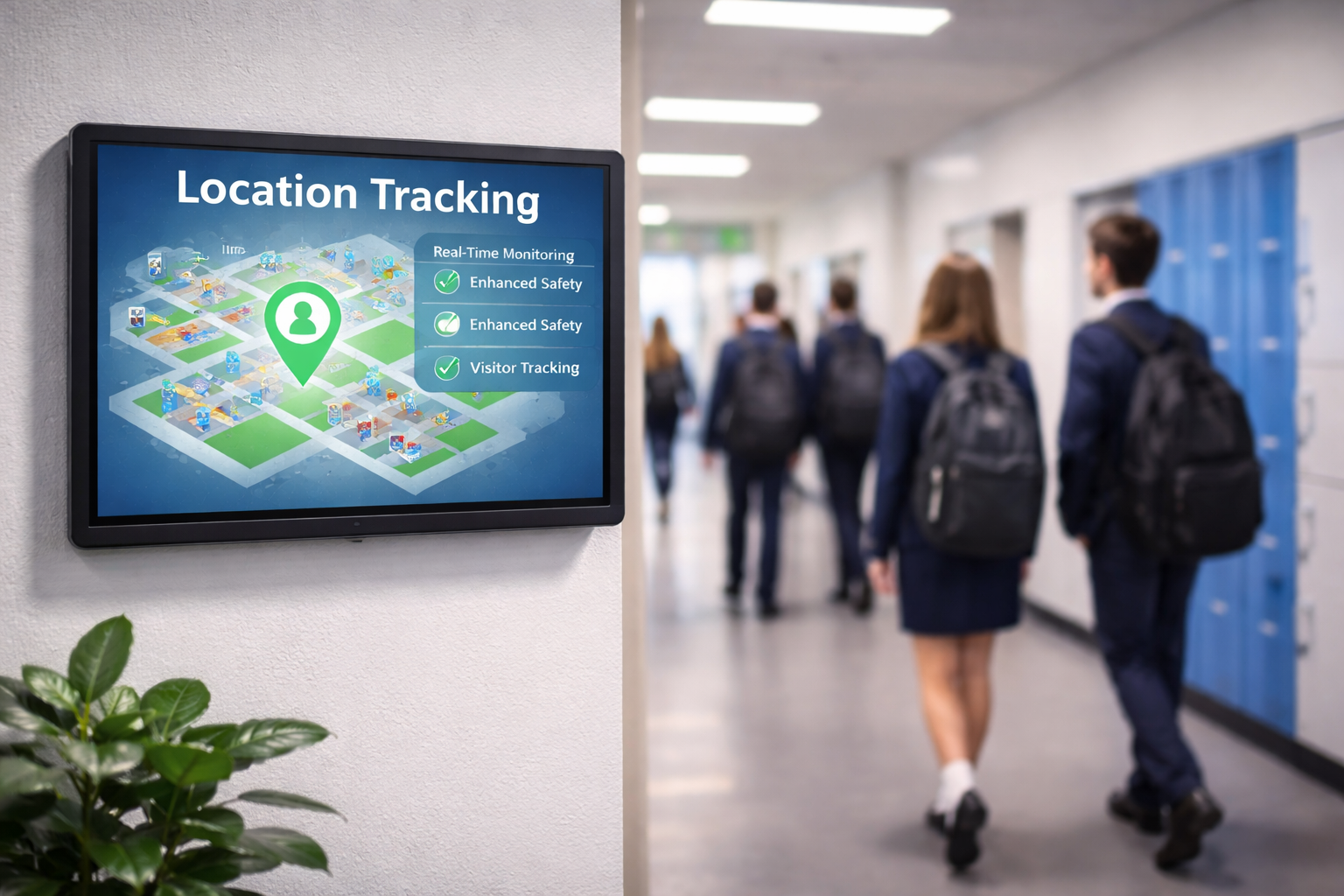
Staff location tracking for schools, built into Tempus 360. Lanyard alert buttons show who needs help and where, live roll call shows who is on site, and tagged equipment is easy to find. Location is worked out on site.
Staff Location Tracking for Schools
In a large or spread-out school, staff need a quick way to call for help, and leaders need to know who is on site when something goes wrong. Staff location tracking in Tempus 360 shows which room each member of staff is in and lets them raise an alert with one press of a lanyard button. It locates staff and equipment only. It never tracks pupils.
Staff, Not Pupils
Only staff who wear a lanyard button and equipment you choose to tag appear on the system. Pupils are never located.
Room-Level Position
Tempus works out which room each person is in from your own floor plans, and shows a “moving” indicator when someone is walking between rooms.
No App or Phone Needed
Staff do not need an app, a phone or a radio. The lanyard button does the work.
Bluetooth Buttons and On-Site Receivers
Each staff button regularly sends a low-power Bluetooth signal. Receivers built into Tempus displays, EnviroSentry sensors and Tempus BLE Nodes pick it up, and Tempus Manager works out the room. Positions show live on your floor plans, not only when someone presses for help.
Location is calculated on the Tempus Manager server in your building, and the data does not leave your site.
Tempus BLE Nodes and Displays
Tempus BLE Nodes and Tempus displays both provide location services, acting as receivers around the building. They connect to your existing school network.
EnviroSentry Sensors (Optional)
EnviroSentry sensors also provide location services. If you install them for vape detection or air quality, they act as extra receivers on the same system, so coverage grows as you add them.
Lanyard Alert Buttons
Staff raise a call with their lanyard button, and the alert shows who needs help and which room they are in. Each site chooses what each press means.
Assistance
For when a colleague’s help is needed. If you turn on repeat to escalate, pressing again makes it Urgent.
Urgent
Flashes red on the alerts dashboard with a siren. Any earlier “I’m on it” response is cleared, so the call is answered again.
Medical
Has its own colour and tone, so a medical emergency is never mistaken for anything else.
A triple press cancels your own call. Alerts appear on the alerts dashboard and live map, are emailed, and can be announced over SchoolSafe PA. Responders mark “I’m on it” and then “Resolved”, and every step is logged.
Roll Call, Lone Working and Equipment
Live Roll Call
Lists everyone whose button is heard on site, by building and room, and flags anyone who is not. It works on a phone at the assembly point.
Lone-Worker Checks
Site managers can check who is in a given area or where night staff are, and a lone worker can call for help from their lanyard button.
Equipment Location
Tag defibrillators, medication trolleys or laptop carts. You get an alert and an email if a tagged item leaves its home room.
Privacy by Design
Location data is sensitive, so Tempus 360 is built to locate staff for safety, not for surveillance.
Private Areas Are Never Shown
Mark toilets, changing rooms or treatment rooms as private and nobody’s position is ever shown inside them, on the map, in a trail or in roll call. A call for help pressed inside still gives the room, so help goes to the right door.
You Decide What Is Kept
Role by role, you decide what is kept, for how long and who can look. Trails and press logs can be live only or kept from 1 day to 2 years.
Every Look Is Recorded
Viewing someone’s trail or the press log is recorded: who looked, at whose, and when. You decide whether operators can see trails at all.
Installed and Supported by SchoolCare
We survey your buildings, plan where receivers go, install and set up the system, and train your staff. Software support and updates are included as standard. Staff location tracking is part of Tempus 360, so the same buttons can also raise a lockdown and the same system runs your PA, displays and desktop alerts.
Related services
Ready to Transform Your School’s ICT?
Contact us today for a no obligation quote. Our team of experts are ready to help.